The Problem

Why Schools Need Better Visibility Into Bus Attendance

No record of who boarded

Bus drivers cannot maintain manual boarding logs while managing traffic and student behaviour. If a child does not board, no one knows until the parent calls.

Parents have no real-time visibility

Parents wait at home with no information about whether their child has boarded, which stop they alighted at, or if the bus is running late.

Missing student discovered too late

When a student is not on the bus and no boarding record exists, the school often does not find out until the parent raises an alarm — sometimes hours later.

No link between bus and school attendance

A student who boards the bus but fails to arrive at school falls through the gap between transport records and classroom attendance registers.

Wrong-stop alighting goes undetected

Young students who alight at the wrong stop may not be reported until the driver completes their route — by which time the student is unaccounted for.

Transport planning lacks usage data

Without boarding records per route and stop, transport coordinators cannot identify underused routes, adjust capacity or plan for term changes.

What FlowLinks Tracks

Automated boarding logs with parent notifications.

Boarding Detection

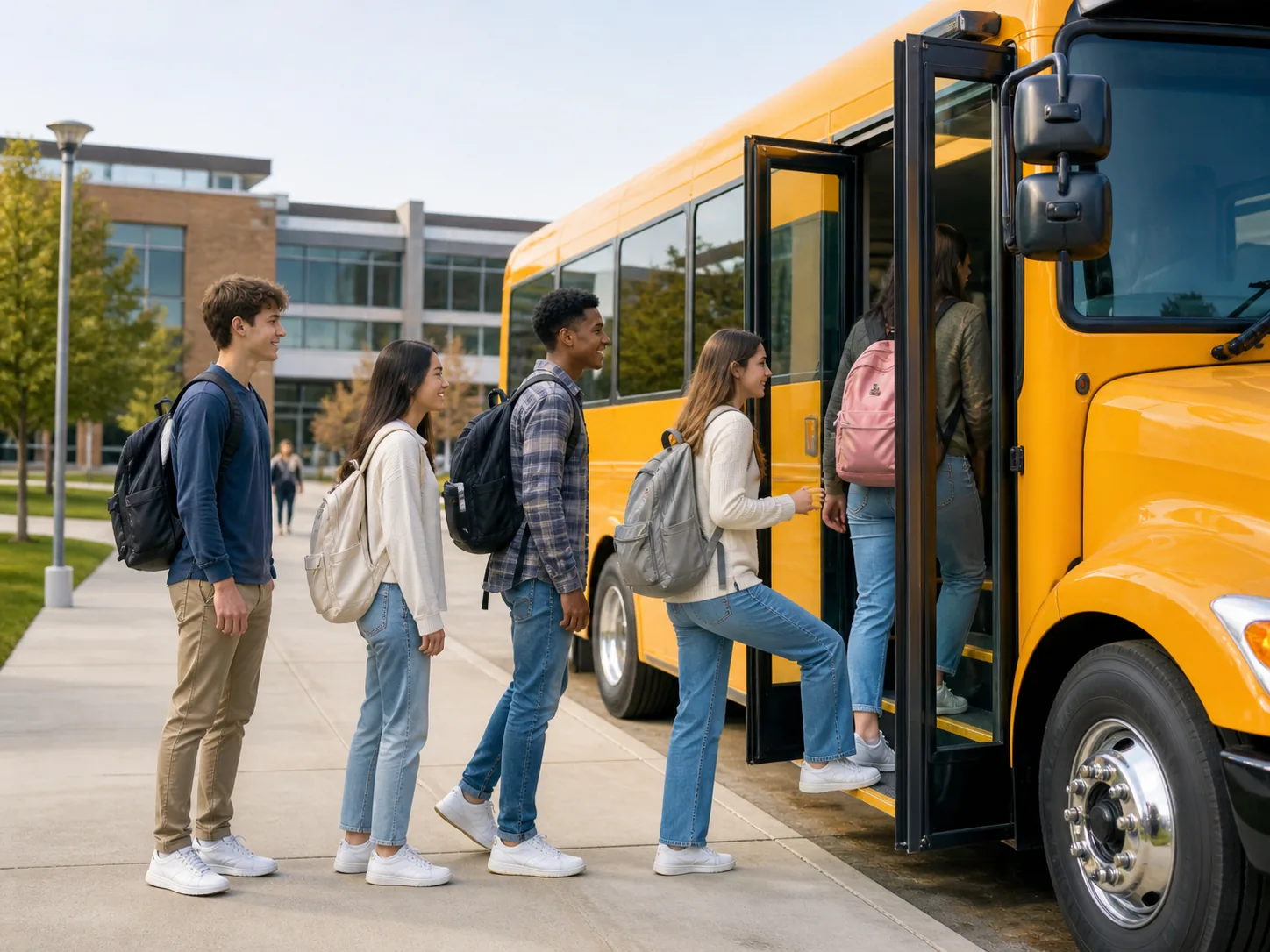
Log every student boarding the bus at each stop with a timestamp and camera snapshot — automatically, without driver input.

Stop-Level Alighting Logs

Record which stop each student alights at — giving transport coordinators and parents a complete journey record.

Parent Boarding Notifications

Send automatic WhatsApp or SMS notifications to parents when their child boards or alights — eliminating uncertainty about the journey.

Expected Student Not Boarded Alert

When an expected student has not been detected boarding within the departure window, the school transport coordinator is alerted immediately.

Attendance Integration

Bus boarding data links with the school attendance dashboard — flagging when a student boarded the bus but has not arrived at the campus gate.

Route Usage Reports

Boarding counts per route, per stop and per term help transport coordinators plan capacity, adjust routes and report on scheme usage.

How It Works

Five steps from bus stop to school gate.

1

Connect bus or bus bay cameras

FlowLinks integrates with cameras installed on buses or at bus bays via RTSP. Compatible cameras can be added where no existing feed is available.

2

Configure route, stop and student list

Define the route, stops and enrolled students per bus. The system uses this to detect expected vs unexpected boarders and flag missing students.

3

AI logs every boarding and alighting event

The system detects each student as they board or alight, logging the event with timestamp, bus number and stop location.

4

Parents notified and alerts sent automatically

Parent boarding notifications are sent instantly. Expected student not boarded alerts go to the transport coordinator before the bus departs.

5

Data linked with school attendance

Bus boarding records are matched with campus attendance — alerting staff when a student boarded but has not been detected at the school gate.

School bus student boarding tracking dashboard

By the Numbers

<60s
from boarding event to parent notification sent
100%
of boarding and alighting events logged with timestamp
Live
alerts when an expected student has not boarded
0
manual driver input required — fully automated boarding logs

Also in Education

Related Education Use Cases.

Frequently Asked Questions

Common questions.

Know Every Student Is Safe
From Bus to Classroom.

See how FlowLinks automates school bus boarding logs and parent notifications using your existing transport cameras.

Book a Demo
WhatsApp