The Problem

Why Lobby Queues Damage the Guest Experience.

Queues build before managers notice

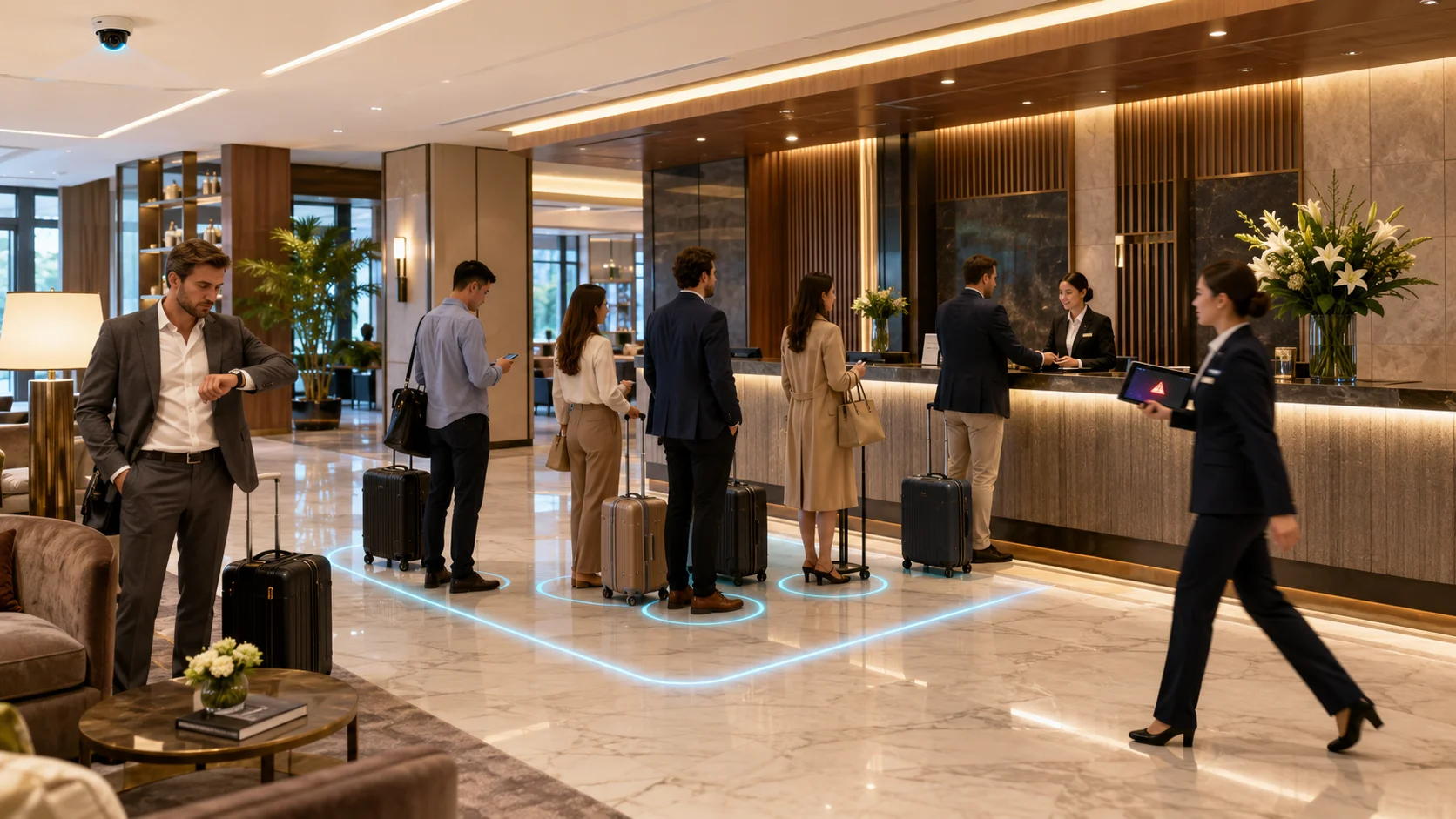
Front-desk managers are often in the back office or on calls — they have no live view of queue length at the check-in desk until a guest complains.

Long waits drive negative reviews

Check-in wait time is one of the most frequently mentioned factors in negative hotel reviews. A queue that peaks above 10 minutes triggers disproportionate dissatisfaction.

No data to justify additional staffing

Front-office managers know peak periods are busy — but without queue data, they cannot justify additional desk agents or staggered staffing patterns to senior management.

Desk staffing decisions are reactive

Managers assign additional agents only after the queue has already formed — by which point multiple guests have been waiting for several minutes.

VIP arrivals go unannounced

Without live lobby visibility, the concierge or duty manager has no way to know that a VIP or group has entered the lobby and is approaching the desk.

Lobby crowding affects security

A congested lobby reduces visibility for security staff and makes it harder to spot unauthorized individuals or abandoned luggage.

What FlowLinks Monitors

Live lobby and queue intelligence using cameras you have.

Live Queue Length

Count the number of guests waiting at the check-in desk in real time and alert the duty manager when the queue exceeds the configured threshold.

Wait Time Monitoring

Measure how long guests have been standing in the queue and flag when average wait time exceeds your service standard.

Lobby Headcount

Track the total number of people in the lobby at any moment — useful for security, crowd management and VIP arrival awareness.

Queue Threshold Alerts

Trigger instant alerts to the front-office manager or duty manager when queue length or wait time exceeds a configured limit.

Peak Period Reports

Identify the busiest check-in and check-out windows by day and hour using historical queue data — enabling smarter staffing decisions.

Multi-Desk Monitoring

Monitor queue length and wait time at all reception desks, concierge points and check-out counters simultaneously from one dashboard.

How It Works

Five steps from camera to response.

1

Connect existing lobby cameras

FlowLinks integrates with your hotel lobby and reception CCTV cameras via RTSP. No new hardware or sensors required at the desk.

2

Configure queue zones and thresholds

Define the queue area for each desk and set the guest count and wait time thresholds that trigger an alert for your property.

3

AI monitors the lobby in real time

The system counts guests in the queue zone continuously, updating a live dashboard for the front-office manager and duty manager.

4

Alert sent when threshold is breached

When queue length or wait time exceeds the configured limit, the duty manager receives an instant alert via WhatsApp, email or the FlowLinks dashboard.

5

Peak data drives smarter staffing

Historical queue reports show the busiest periods by day and hour — giving managers the evidence to adjust rotas before peak periods occur.

Hotel lobby queue monitoring dashboard

By the Numbers

Live
queue length and wait time visibility for front-office and duty managers
<60s
alert delivery time when queue threshold is exceeded at any desk
3x
faster management response to lobby congestion vs manual monitoring
0
new cameras or sensors required — works with existing lobby CCTV

Also in Hospitality

Related Hospitality Use Cases.

Frequently Asked Questions

Common questions.

Respond to Every Queue
Before It Becomes a Complaint.

See how FlowLinks gives your front-office team live lobby intelligence using cameras you already have.

Book a Demo
WhatsApp