The Problem
Administrators assume which buildings, corridors and common areas are heavily used — but without footfall data, these are guesses rather than evidence.
Canteens, common rooms and corridor bottlenecks become overcrowded during breaks without any early warning for staff to redirect students.
Without movement data, decisions about where to open additional study space, add staff or close underused rooms are based on perception rather than usage.
In an emergency, knowing how many people are in each building at any moment is critical — but without live occupancy data, counts take time.
Security staff patrol fixed routes regardless of where student density is highest — creating coverage gaps during peak movement periods.
Timetables are built around classroom availability, not how students move between them — creating predictable bottlenecks that nobody has data to fix.
What FlowLinks Tracks
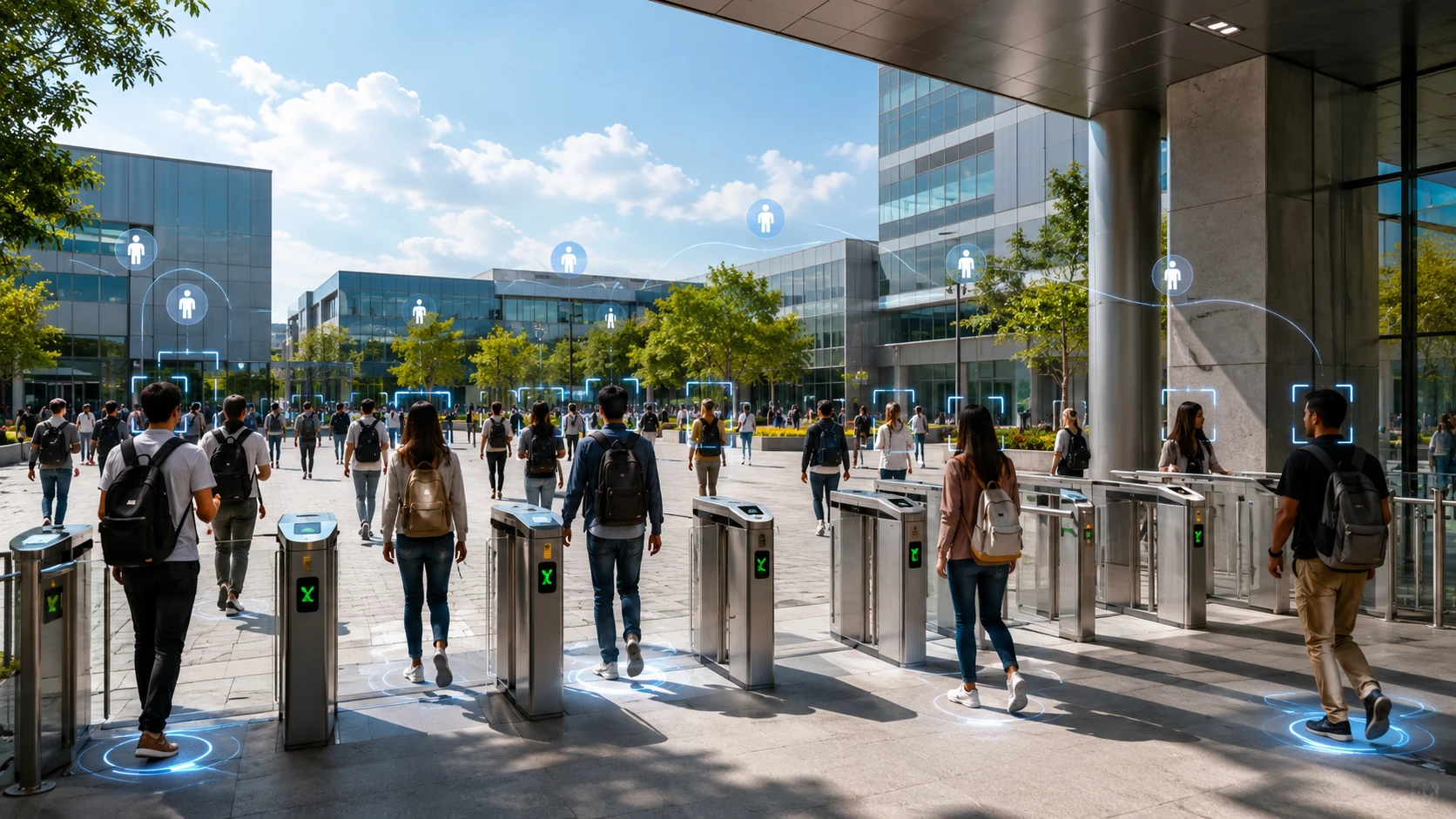
Count every person entering and exiting through main gates, side entrances and building doors — with timestamps and direction tracking.
Track live headcount per building so administrators know exactly how many people are in each facility at any moment.
Identify the busiest entry times, highest-density corridors and peak usage buildings — by day, week and term.
Set occupancy thresholds per zone and receive instant alerts when a canteen, common area or corridor exceeds the safe limit.
Understand how students move between buildings during break and transition periods — identifying bottlenecks and underused routes.
Historical footfall reports per building and zone support timetable planning, facility investment and staffing decisions.
How It Works
FlowLinks integrates with CCTV cameras at gates, corridors, building entrances and common areas via RTSP. No new hardware required.
Define the entry and exit lines for each camera view. Multiple zones can be configured on a single camera to track movement in different directions.
The system counts every person crossing a configured line, updating live occupancy dashboards per zone and per building.
When occupancy in a building or zone exceeds the configured limit, the administrator or security team receives an immediate alert.
Daily, weekly and termly footfall reports per zone are available for timetable planning, facility reviews and governor reporting.
By the Numbers
Also in Education
Frequently Asked Questions
See how FlowLinks tracks footfall and occupancy across every campus building using cameras you already have.
Book a Demo