The Problem

Why Late Arrivals Go Unaddressed.

Late arrivals are noted but not tracked

Teachers record late entries in the register, but these are rarely compiled into trend data that administrators can act on.

Patterns are invisible across subjects

A student who is consistently late to first period is not visible across subjects unless each teacher flags it separately — which rarely happens.

Parents are not notified in real time

Without an automated system, parents only hear about a late arrival pattern during parents' evening — weeks or months after the behaviour began.

Safeguarding gaps go undetected

A student who is consistently late or absent from specific sessions may be experiencing a safeguarding issue — but without data, pastoral staff cannot identify the pattern.

Students manipulate the register

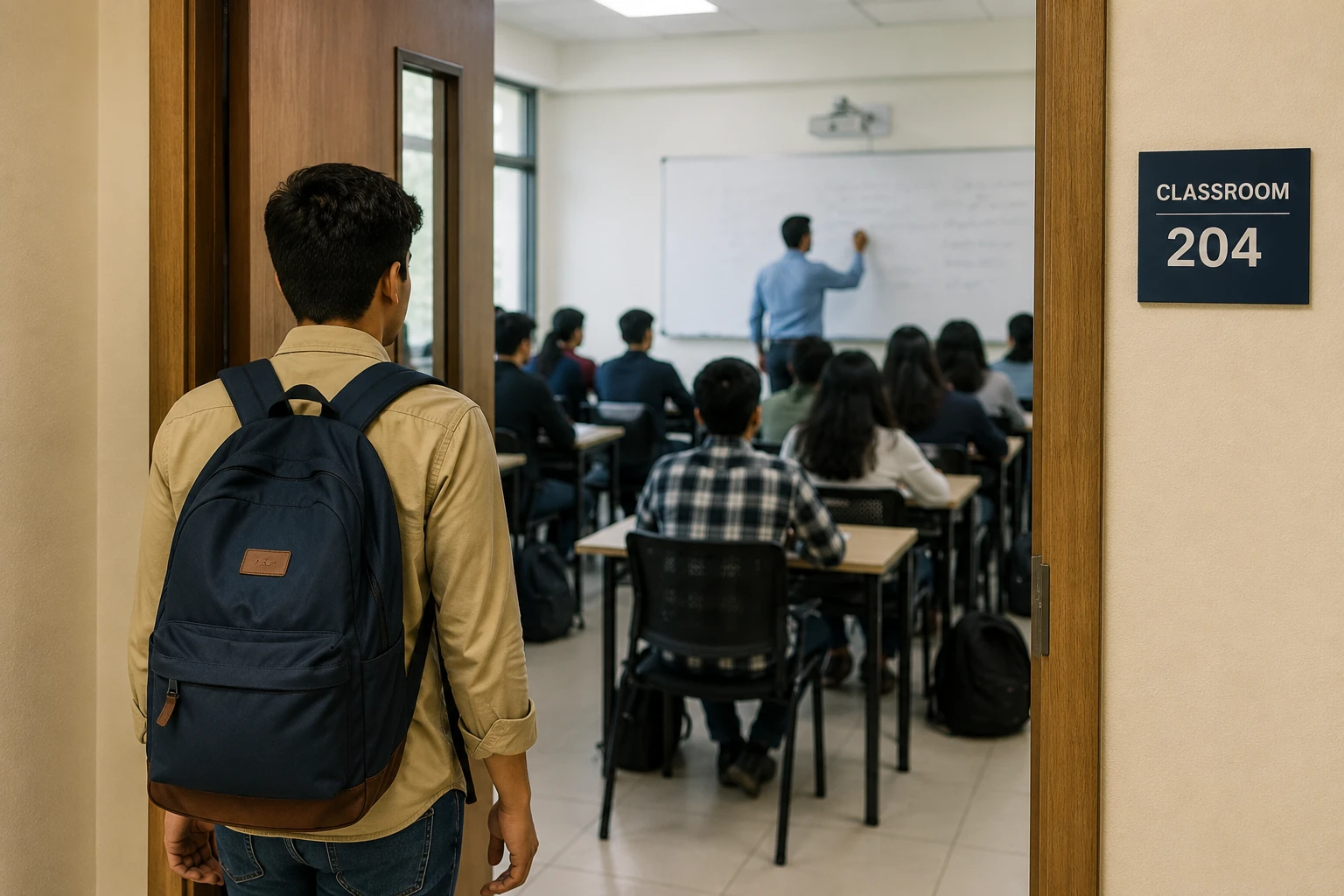
When a teacher is occupied, late students can sit down and be missed on the register — appearing present when they arrived 20 minutes late.

No data for welfare or exclusion reviews

Attendance panels and welfare reviews require detailed late-arrival records — which are often incomplete or require hours of manual compilation.

What FlowLinks Tracks

Automatic timestamped logging across every classroom.

Late Arrival Logging

Every student detected entering after the session start time is automatically logged as late with an exact timestamp and camera location.

Early Departure Detection

Students leaving a classroom or building before the session end time are flagged with a timestamp for administrator review.

Pattern and Trend Reports

Per-student reports show total late arrivals, average delay, most frequent late days and week-on-week trend — ready for pastoral or welfare review.

Automatic Parent Notifications

Configure automatic parent or guardian notifications when a student is logged late or departs early during the school day.

Multi-Room and Gate Coverage

Track late arrivals at classroom doors, building entrances and main gates — any configured point where session start matters.

Attendance Panel Export

Late arrival records are exportable per student for attendance panels, welfare meetings and regulatory submissions.

How It Works

Five steps from camera to report.

1

Connect existing classroom cameras

FlowLinks integrates with CCTV and IP cameras at classrooms, building entries and gates via RTSP. No new hardware required.

2

Set session start and end times per room

Configure the time window for each classroom or entry point — the system uses this to determine on-time, late and early-departure events.

3

AI logs every entry and exit with a timestamp

Each student detected entering or exiting is automatically logged against the configured session time, marking them present, late or departed early.

4

Alerts and notifications sent automatically

When a late or early-departure event occurs, the form tutor, administrator or parent is notified immediately — no manual chasing required.

5

Reports compiled for review and intervention

Weekly and termly late-arrival reports per student are generated automatically — giving pastoral staff the data they need before a welfare issue escalates.

Late arrival tracking dashboard

By the Numbers

<60s
from late entry detected to administrator and parent notified
100%
of sessions logged — no manual register entry required
24/7
monitoring across all classrooms, buildings and entry points
0
new hardware required — integrates with existing school cameras

Also in Education

Related Education Use Cases.

Frequently Asked Questions

Common questions.

Catch Patterns
Before They Become Problems.

See how FlowLinks tracks every late arrival and early departure automatically using cameras you already have.

Book a Demo
WhatsApp