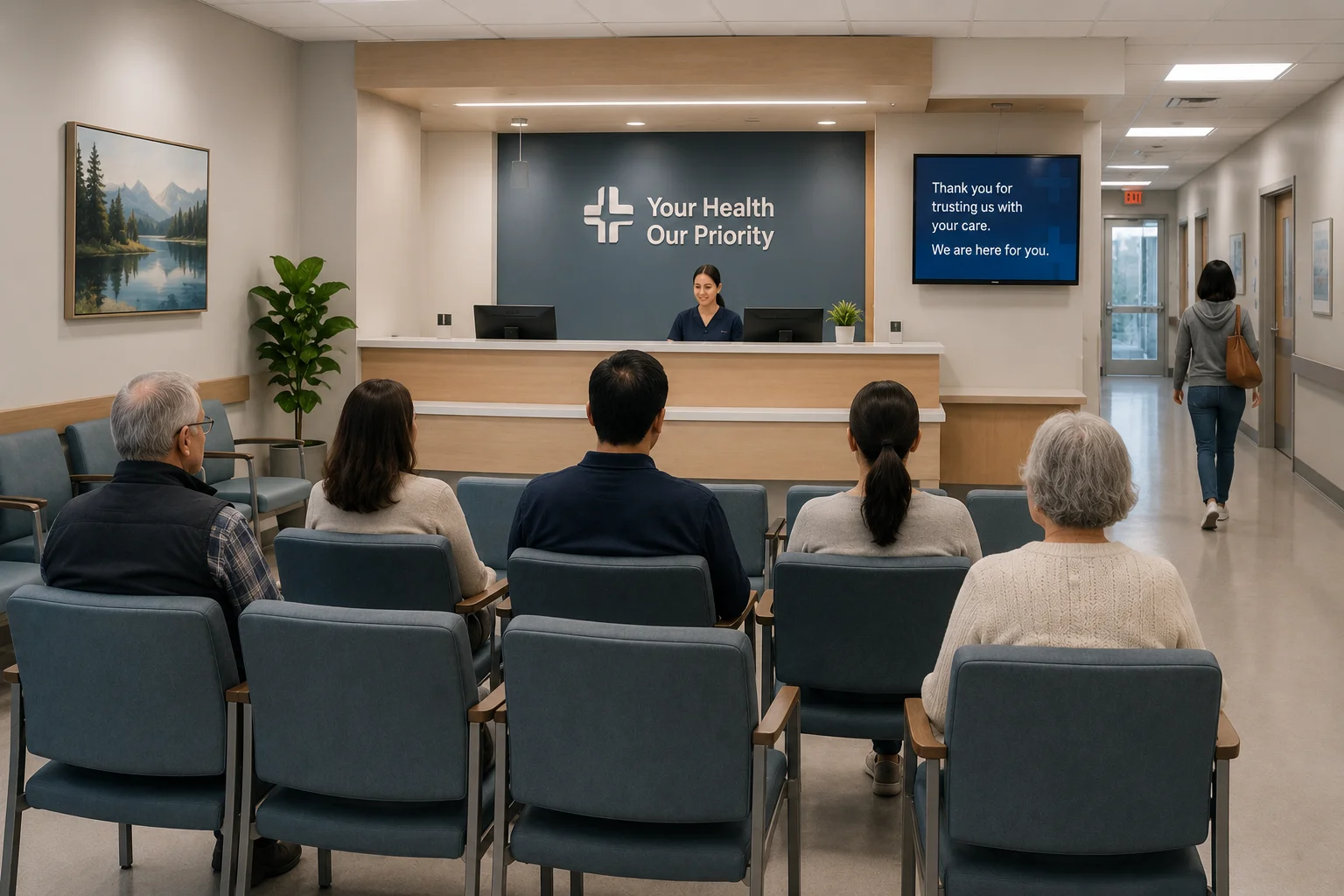
The problem

Waiting room management falls behind without real-time data.

No real-time headcount

Reception staff cannot accurately track how many patients are waiting in real time — they rely on periodic manual checks.

Wait time is estimated not measured

Quoted wait times are often guesses — actual dwell time in the waiting area is not tracked or reported.

Overcrowding leads to aggression

Long waits and crowded waiting areas are a leading trigger for patient frustration and aggressive behaviour toward staff.

Crowding creates infection risk

Waiting rooms that exceed safe density limits during peak periods create infection transmission risk — especially in ED and urgent care settings.

Patients leave without being seen

Patients who cannot see any movement in a crowded waiting area leave before treatment — generating safety risk and revenue loss.

No data to optimise staffing

Without historical headcount and peak-time data, staffing decisions are based on experience rather than evidence.

What FlowLinks monitors

Real-time waiting room intelligence, no new hardware required.

Live Headcount

Track the number of people in the waiting area in real time and alert staff when the count exceeds a configured threshold.

Wait Time Monitoring

Measure how long patients have been in the waiting area and flag when average dwell time exceeds the target.

Queue Length Tracking

Monitor queue length at reception desks and alert when queues build up beyond the defined threshold.

Overcrowding Alert

Trigger a real-time alert to the charge nurse or facility manager when the waiting room reaches unsafe density.

Peak Time & Trend Reports

Identify the busiest periods, highest-wait days and staffing gaps using historical headcount and flow data.

Infection Control Density Monitoring

Support infection control protocols by alerting when waiting area occupancy exceeds a safe density limit.

How it works

Live in days, not months.

1

Connect existing cameras

FlowLinks integrates with waiting room and reception CCTV cameras via RTSP. No new sensors or hardware required.

2

Configure headcount and wait thresholds

Set the maximum occupancy and wait time thresholds for each waiting area — different rules can apply to different zones.

3

AI counts and monitors in real time

The system tracks headcount, queue length and dwell time continuously — updating live dashboards for reception and management.

4

Alert sent when thresholds are reached

When occupancy or wait time exceeds the configured limit, the charge nurse or facility manager receives an immediate alert.

5

Historical reports generated automatically

Daily, weekly and monthly reports show peak times, average wait times and occupancy trends to support staffing decisions.

LIVEWaiting room monitoring dashboard
14 patients waiting — threshold alert sent

By the numbers

Real-time
headcount and queue visibility for reception and management
<60s
alert delivery time when occupancy threshold is exceeded
24/7
waiting room monitoring across all operating hours
0
new cameras or sensors required in waiting areas

Also in Healthcare

Frequently Asked Questions

Common questions.

Know how many patients are waiting —
right now.

See waiting room monitoring AI on your existing healthcare cameras.

Book a demo
WhatsApp